Master Your Workflow
Follow this step-by-step guide to set up your reselling business and start tracking your flips like a professional.
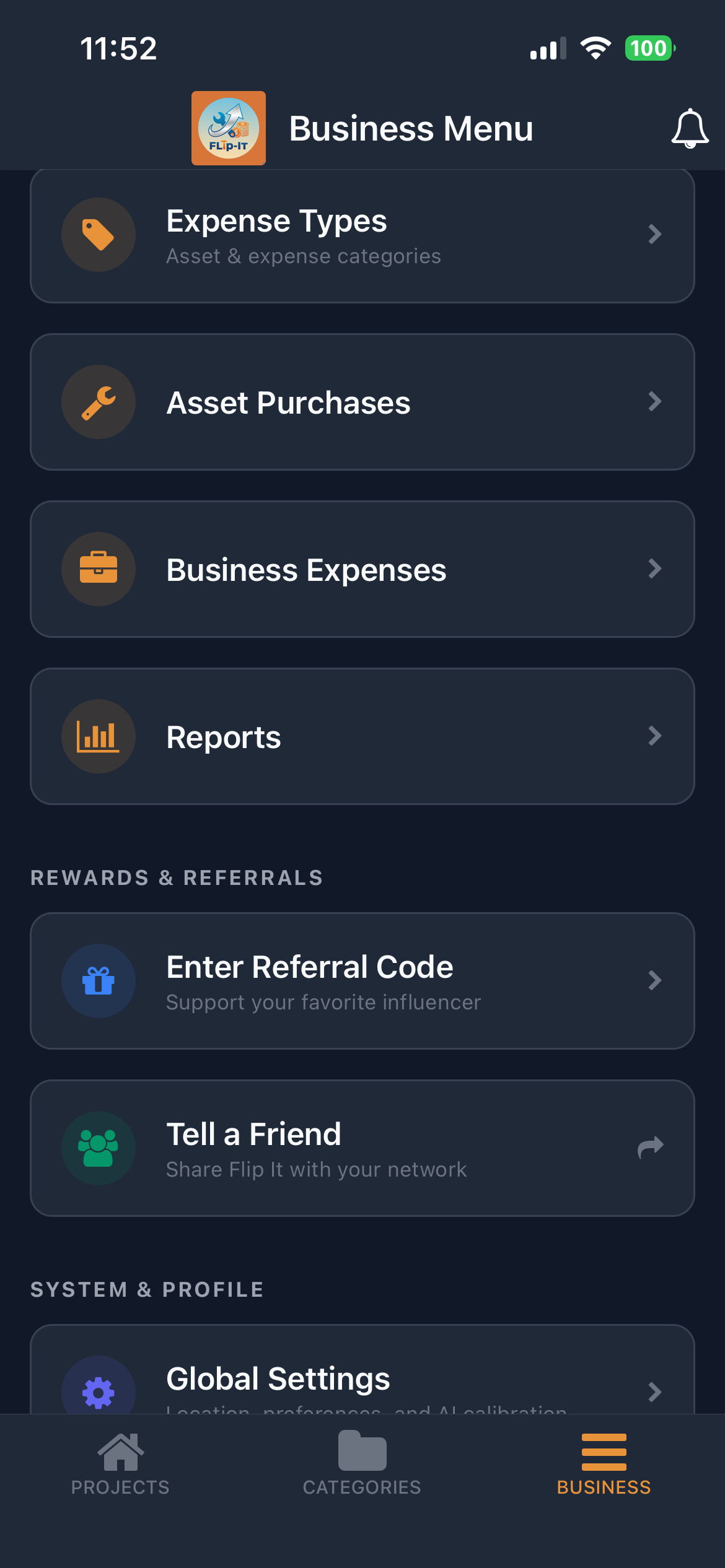
Global Settings PRO
Set the foundation for your business. Enter your business details and AI preferences in the Business Menu. These settings power the AI Valuation Scan and ensure your reports look professional.
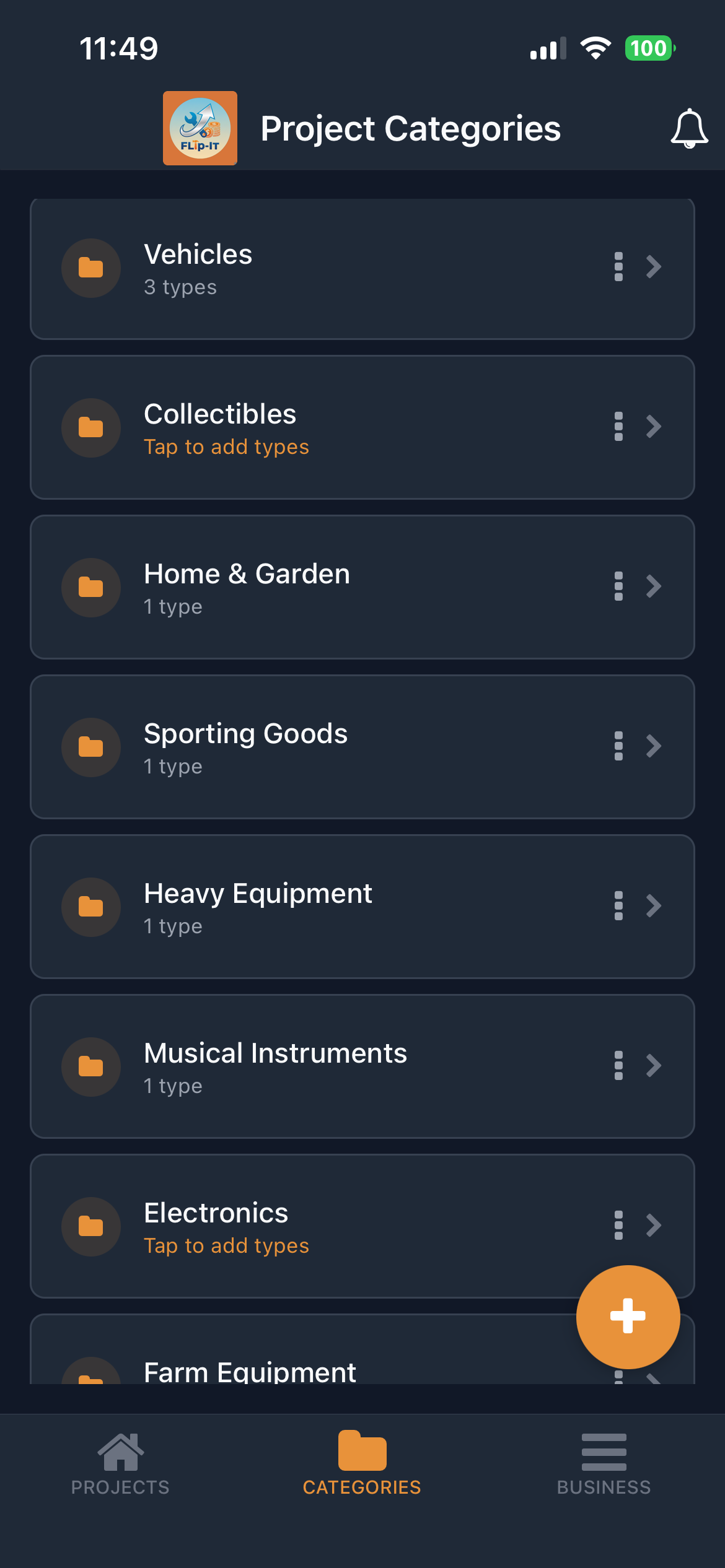
Customize Categories
Tailor Flip-It to your specific niche. Add or remove categories & category items like Furniture, Electronics, or Vehicles.
PRO Add custom fields (attributes) to track specific data like Year, Make, or Model.
Add Flipping Projects
Add your projects to start flipping!
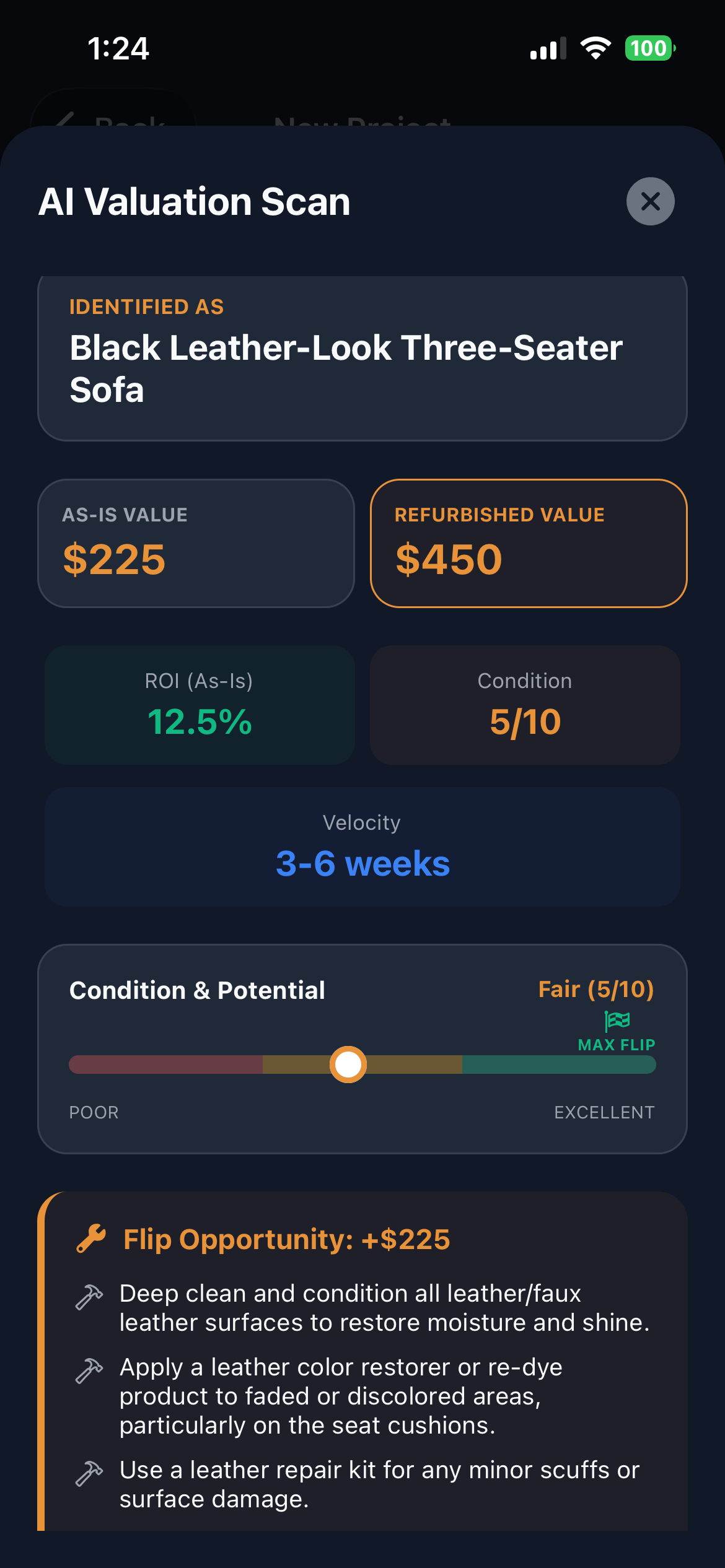
PRO AI Valuation Scan: Optionally add projects using the AI Valuation Scan to instantly identify items and get estimated as-is vs. refurbished values for your area. It even suggests restoration tips to maximize your profit and suggests local markets to sell your items.
Track Your Projects
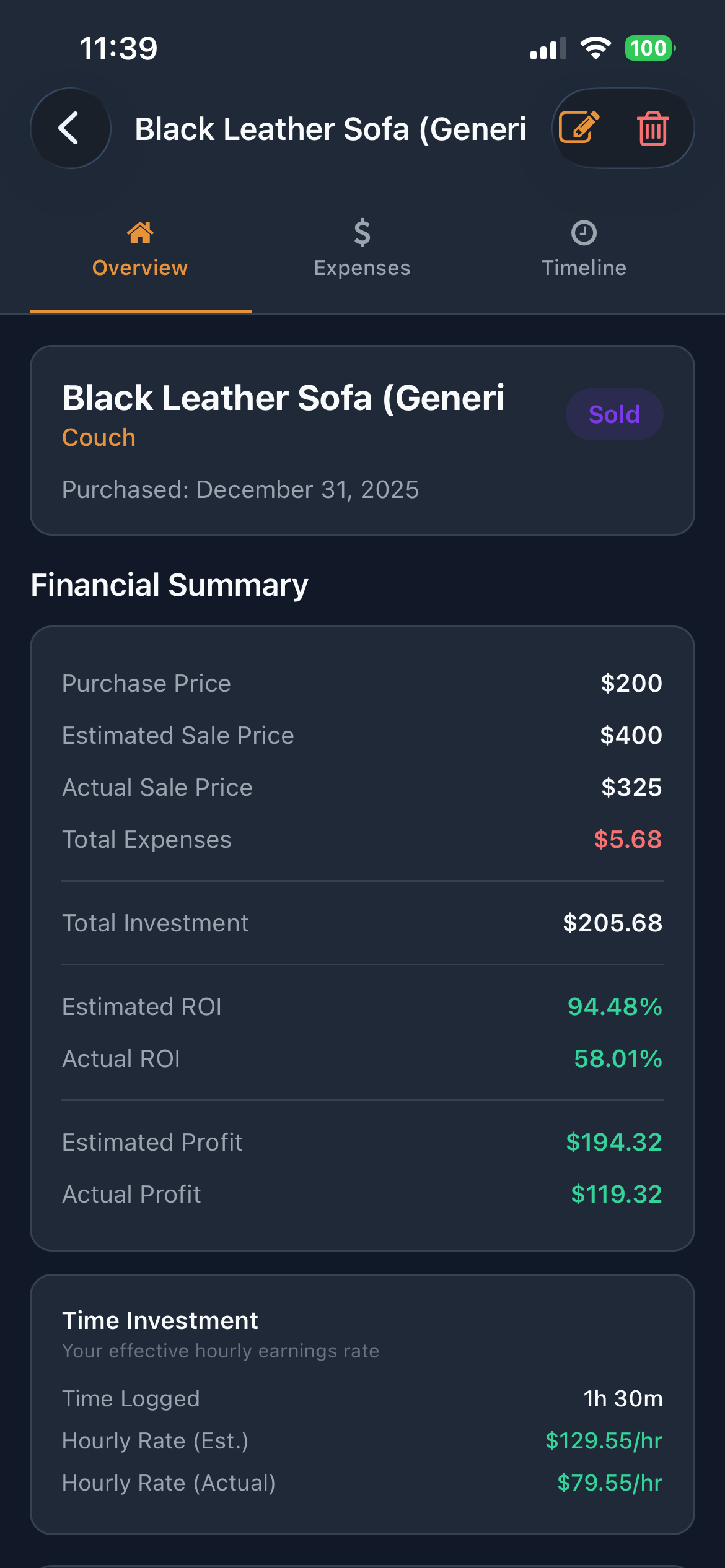
Create your first project and track everything from acquisition to sale. Add expenses (time & material), photos, notes, and tasks. The timeline feature keeps a detailed history of every step of your flip. Know your hourly earnings, profit margins and ROI in real-time.
Manage Business Expenses PRO
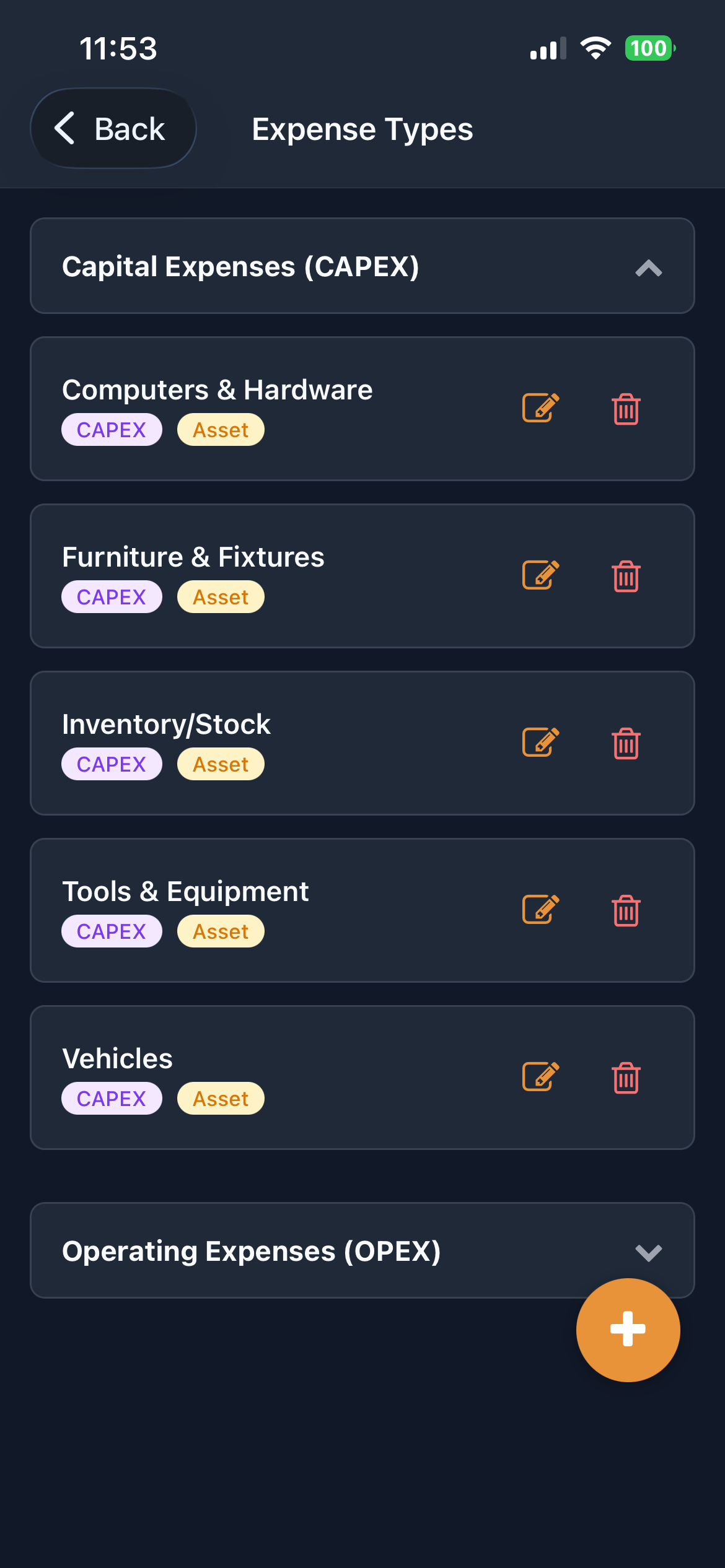
Track overhead that isn't tied to a specific project. Manage business-wide expenses like rent or fuel, and track assets like tools or vehicles that you use for your business. Add photo receipts to your expenses & assets.
Analyze & Report
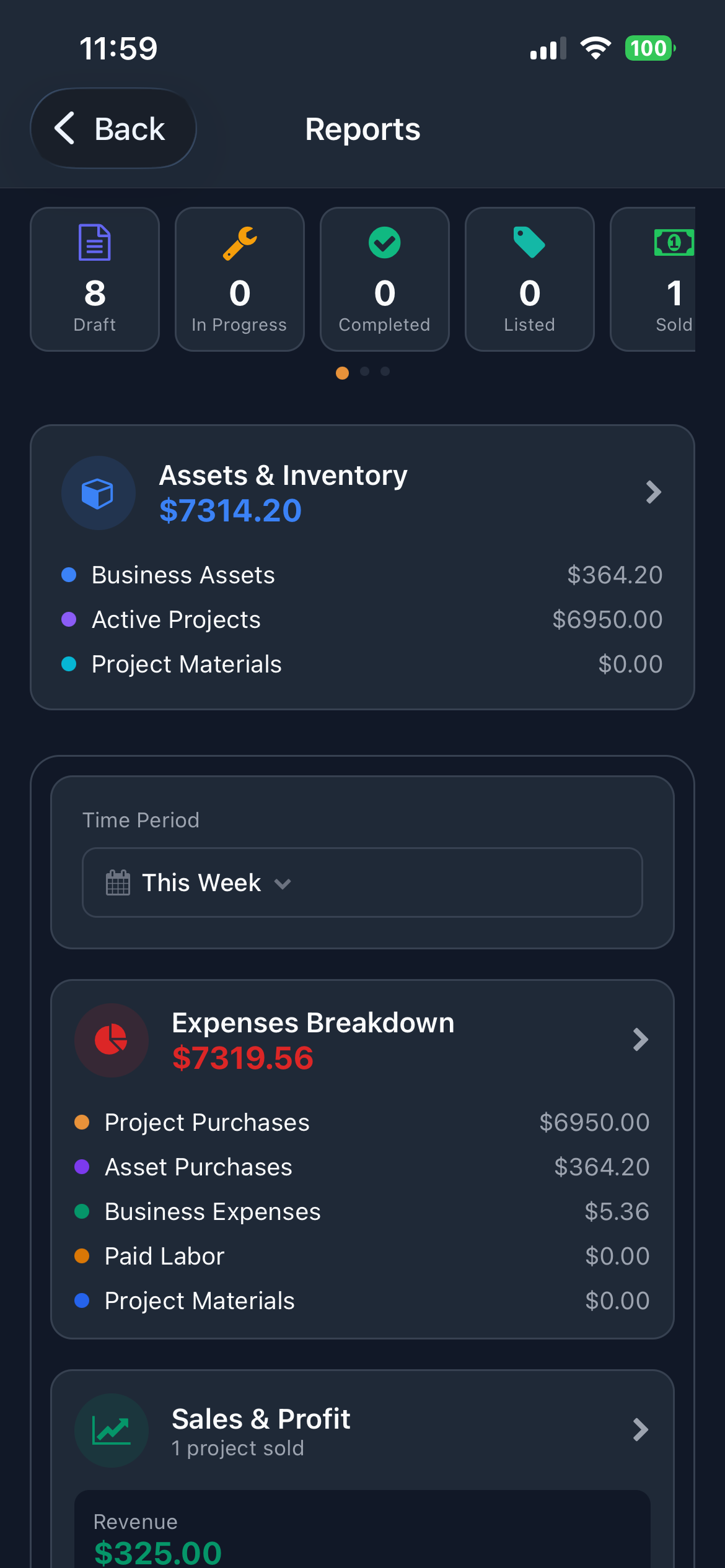
See the big picture. Use the Reports dashboard to view your time filtered revenue, profit, and ROI.
PRO Export professional PDF and CSV reports for taxes or financial planning.
Ready to Build Your Empire?
Download Flip-It today and take control of your reselling business.